
Every gamer has experienced that terrifying moment: the screen starts loading, excitement builds up and then just when you’re about to start questing or playing a new level, match-up or broadcast, boom it goes pop—“This content is not available in your region”.
Whether you’re trying to watch an international eSports competition live on Twitch, load a session of cloud gaming, or even access your favorite sports betting application abroad, the restrictions can do nothing but make your game experience more fun. The world is your playing field, but access is not always possible.
But it is not only in the area of gaming that the situation has widened. As a growing practice, enclosing areas both critical and beneficial comes to be seen, that extends far beyond just gambling. Many people, for instance, do not buy static residential proxies only to access games but also from reasons of privacy and anonymity. In particular, even in the ‘age of Internet’, regardless whether intrusive identity checks exist, these mechanisms have been widely employed as a best VPN option, noted Cybernews team.
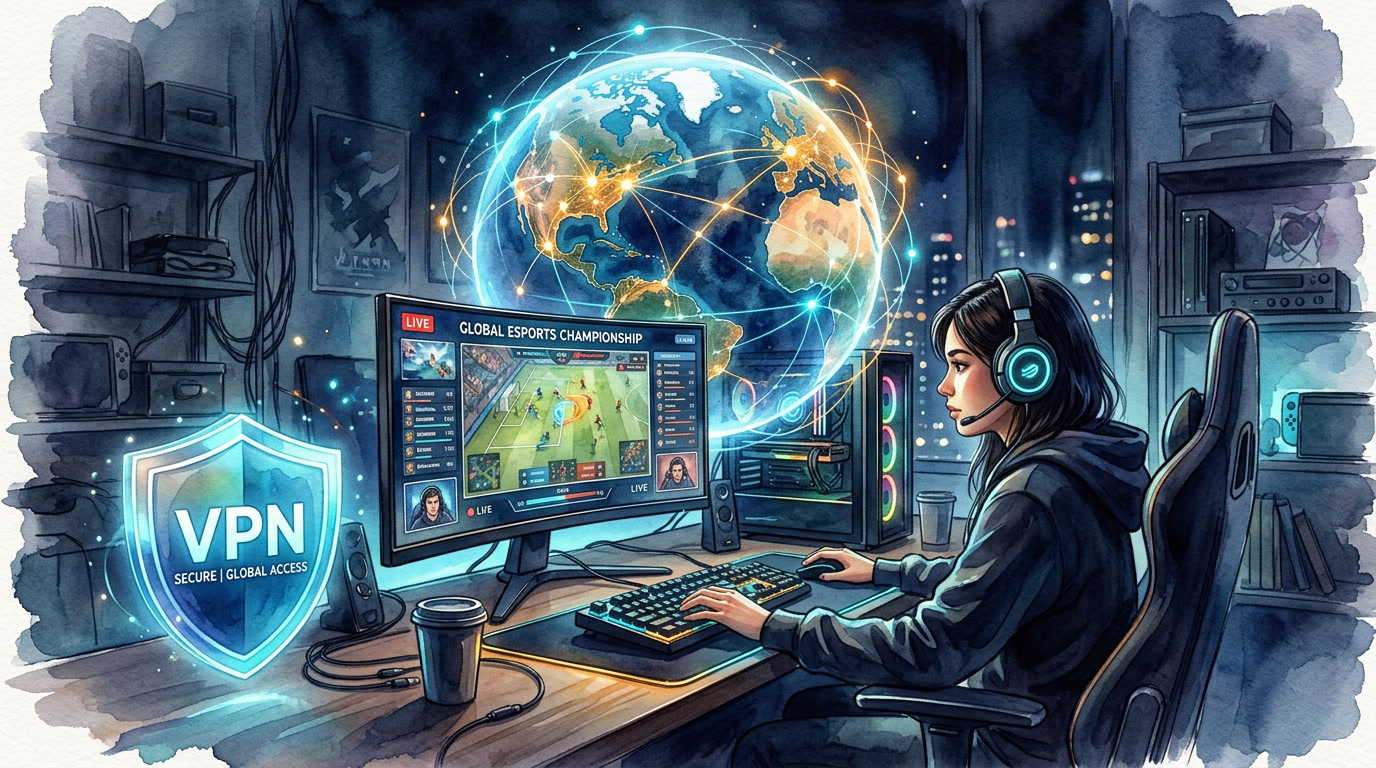
This guide explains the precise reasons behind these replacements, the effects on players alone, and reliable tools and methods available to you for enjoying gaming content from any location you wish. Of course, this article is a typical EJAW informational document with the structured format, an easy-to-use style and everything that is intended to keep you connected, competitive and safe online.
Why Platforms Block You Based on Location
Geo-restrictions aren’t personal. They’re the result of legal frameworks and commercial agreements that platforms have little choice but to enforce. A few of the most common reasons:
Licensing and copyright law. Broadcasting rights for eSports events, game content, and sports streams are sold on a regional basis. A platform may have the rights to show a tournament in North America but not in Europe — so if you’re connecting from outside the licensed territory, you’re blocked.
Regional release schedules. Publishers routinely stagger game launches across different markets. A title might be live in Japan weeks before it’s available in the US, or vice versa.
Local legal restrictions. Some countries outright ban certain game features — loot boxes in Belgium and the Netherlands are a well-known example — or restrict entire genres. Gambling-adjacent apps like daily fantasy sports are legal in some states and countries but illegal in others, so platforms block based on location to stay compliant.
App store geography. Some games and apps are only listed in specific regional storefronts. If a title exists only on the Japanese App Store, you can’t download it through your home account without jumping through hoops.
Government-level internet censorship. In some countries, entire gaming platforms, streaming services, and betting sites are blocked at the ISP level.
The mechanism behind all of this is simple: your IP address. It tells every platform you visit exactly where in the world you’re connecting from. Change that, and you change what you can access.
What Actually Gets Blocked
The scope of geo-restrictions in gaming is broader than most people realize:
Cloud gaming platforms. Services like GeForce NOW, Xbox Cloud Gaming, PlayStation Remote Play, and Amazon Luna are geographically limited. Some regions have full access; others have none at all or only partial library support.
eSports streams and live tournaments. Even if a match is free to watch, broadcast rights agreements can mean the official stream is blocked in your country. Third-party streams may fill the gap, but they’re often lower quality or taken down mid-match.
Fantasy sports and betting apps. Daily fantasy and sports betting apps are among the most aggressively geo-restricted products online, due to the patchwork of gambling laws across different jurisdictions.
Mobile games. Certain titles are only published in specific regional app stores. Travelers and expats who try to download or update these apps from abroad often find them simply invisible.
Multiplayer servers. Some games lock their servers to regional IPs, which means foreign players may be completely unable to connect — or get routed to servers with unacceptably high ping.
The Real Cost of Getting Blocked
For casual players, a geo-block is an inconvenience. For serious gamers, it can be genuinely costly:
Missing a live eSports final means missing the moment entirely — replays and highlights aren’t the same. Getting blocked from your home server while traveling means forfeiting daily login streaks, time-limited rewards, and Battle Pass progress. Fantasy sports lockouts can mean missing a crucial lineup deadline. In competitive contexts, being unable to participate in a ranked match or tournament can have real ranking consequences.
The stakes are higher than they might seem.
The Tools That Actually Work
VPN (Virtual Private Network)
A VPN is the most flexible and widely used solution. When you connect through a VPN, your traffic is routed through a server in a location of your choice, masking your real IP address and replacing it with one from that region. Most geo-restrictions are bypassed automatically.
For gaming specifically, the benefits are:
- Access to your home library of games and services, regardless of where you physically are
- The ability to watch any eSports stream, regardless of broadcast restrictions
- Protection on public Wi-Fi at airports, hotels, and cafes — networks that are often unencrypted and easy to intercept
- The ability to make in-game purchases and access regional storefronts without payment verification issues
The tradeoff is some speed reduction, particularly if you connect to a server that’s geographically distant. Choosing a high-quality provider and a nearby server minimizes this. For most gaming use cases, the performance hit is negligible.
Smart DNS
Smart DNS is a lighter-weight alternative. Rather than routing all your traffic through a proxy server, it only intercepts the DNS queries that reveal your location. The result is faster speeds than a VPN — which matters for 4K eSports streams — but with no encryption. It won’t protect you on public Wi-Fi, and it won’t bypass more sophisticated blocks that look beyond DNS data.
Smart DNS is best suited to situations where speed is the priority and you’re on a trusted network — for example, streaming a high-resolution tournament broadcast from your hotel room, where the Wi-Fi is password-protected.
Local Subscription Services
Sometimes the simplest solution is to check what’s available locally. If you’re traveling for an extended period, subscribing to the regional version of a streaming or gaming service may give you access to local content that’s unavailable back home. This won’t help with your home library, but it’s a legitimate and often overlooked option for covering gaps.
How to Set Up a VPN for Travel Gaming
Before you leave home. Install and configure your VPN before you travel. Some countries block VPN installation pages and app stores, so setting everything up in advance avoids that problem entirely.
Choose a server in your home country. This is the key step. Connecting to a server in your home region makes every service you use believe you’re still there. Your game library, fantasy sports app, and streaming subscriptions all behave normally.
Connect before launching any apps. Don’t open a game or streaming service and then try to connect. Enable your VPN first, verify you have a connection, and then launch the app. This avoids the app caching your real location before the VPN kicks in.
Test your connection. Run a quick IP check before you start gaming. Several free tools will confirm which location your traffic appears to be coming from.
Practical Tips for Gaming Abroad
Download updates before you go. Airport and hotel Wi-Fi is slow. A 40GB game patch is not something you want to manage on the road. Pre-download major updates before you leave.
Save your backup codes. Steam, Epic Games, and most fantasy sports platforms offer two-factor authentication. Accessing your account from a new location often triggers additional security checks. Have backup codes ready so you’re not locked out.
Account for time zones. If you’re following an eSports schedule from home, a tournament final at 8 PM EST might be 3 AM wherever you’ve landed. Plan accordingly.
Add backup payment methods. Regional payment verification can cause issues for in-game purchases when your billing address doesn’t match the apparent location of your connection. Adding a secondary payment method — or making purchases before you travel — avoids this.
Keep your VPN credentials handy. If you’re using a new device or a hotel computer in an emergency, having your login details accessible means you’re not stuck.
A Note on Security
Beyond access, there’s a security argument for VPN use that applies specifically to gaming. Many players spend time on public networks — at tournament venues, in gaming cafes, at airports before a flight. These networks are unencrypted by default, which means login credentials, payment data, and account information can be intercepted by anyone on the same network. A VPN encrypts your traffic end-to-end, closing that vulnerability entirely.
The Bottom Line
Geo-restrictions are a structural feature of how gaming, broadcasting, and entertainment rights work globally. They’re not going away. But the tools to route around them are mature, widely available, and — for most players — straightforward to use.
A good VPN is the most complete solution: it restores access to geo-locked content, protects your data on public networks, and keeps your gaming experience consistent regardless of where you happen to be. Smart DNS is worth considering for pure streaming performance when security isn’t a concern. And a bit of preparation before you travel goes a long way toward ensuring that no matter where you land, your games come with you.