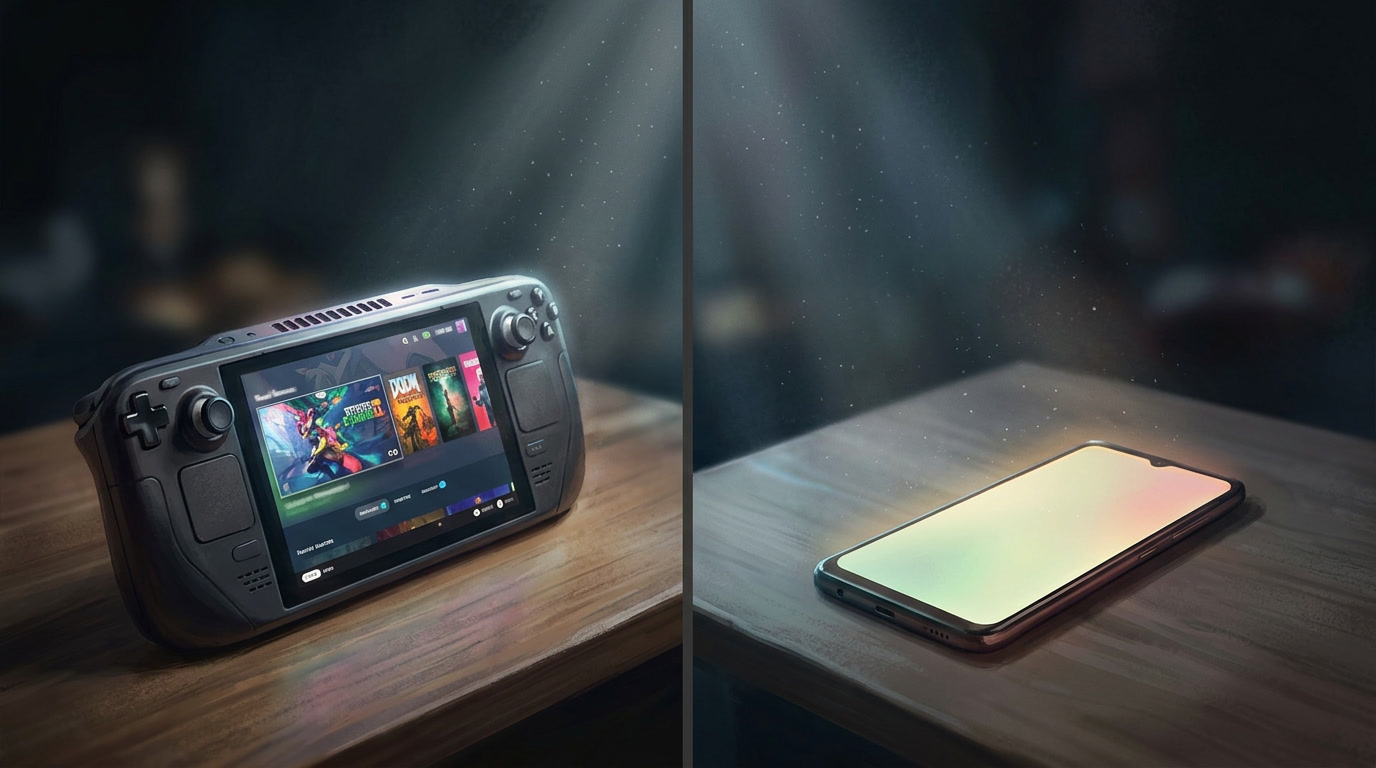

There is a moment in every successful mobile game’s lifecycle when the question stops being “should we port to Android?” and starts being “why haven’t we already?”
That moment usually arrives after the first strong iOS quarter. Revenue is healthy, retention curves are flattening into something manageable, and someone in the room — a CFO, a board member, a particularly data-literate product owner — pulls up a single statistic: Android holds roughly 72% of global smartphone market share. The room goes quiet. The math is obvious. The execution is not.
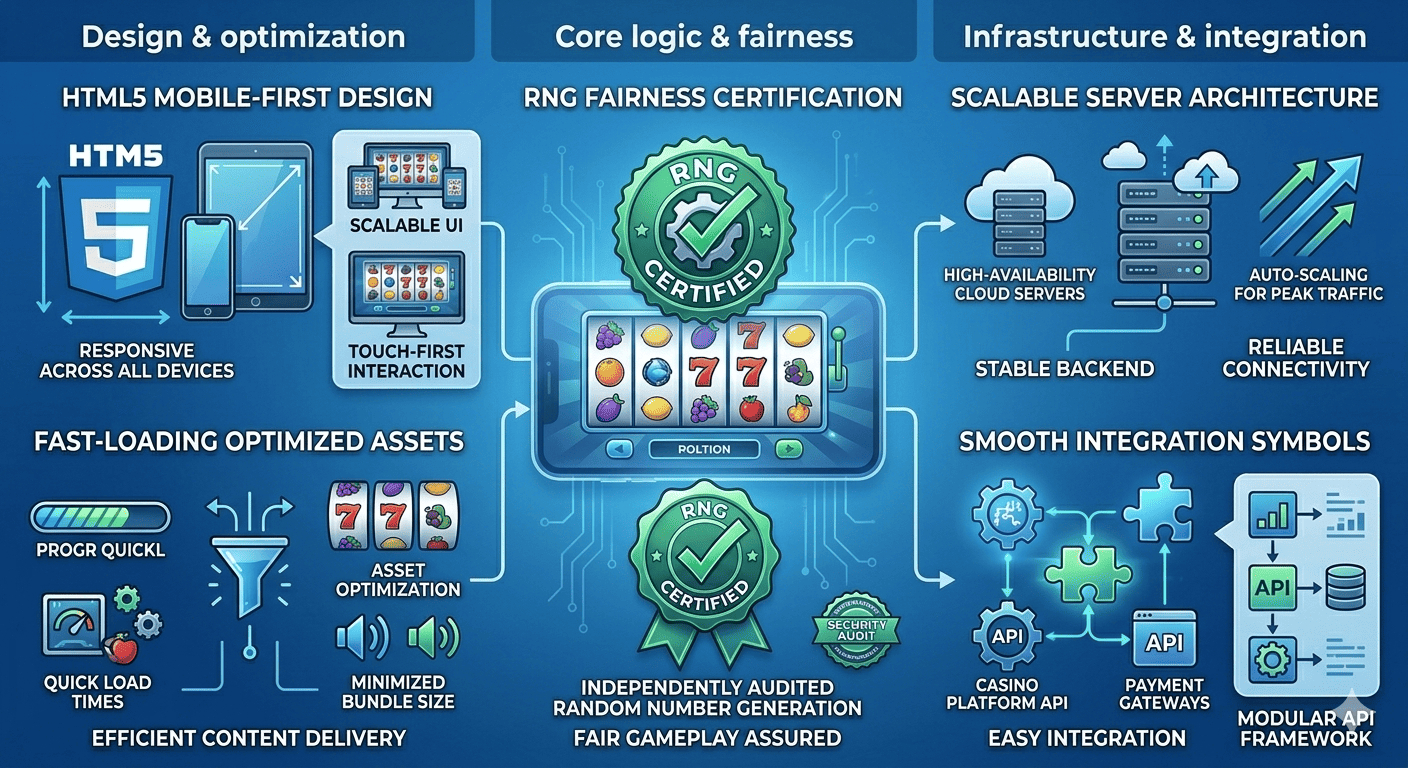
In a broader digital ecosystem where users interact with multiple types of platforms, including services like melbet , the expectation of seamless performance across devices has become standard. This guide exists for the people who have to execute it.
Why Android Expansion Is a Calculated Bet, Not a Given
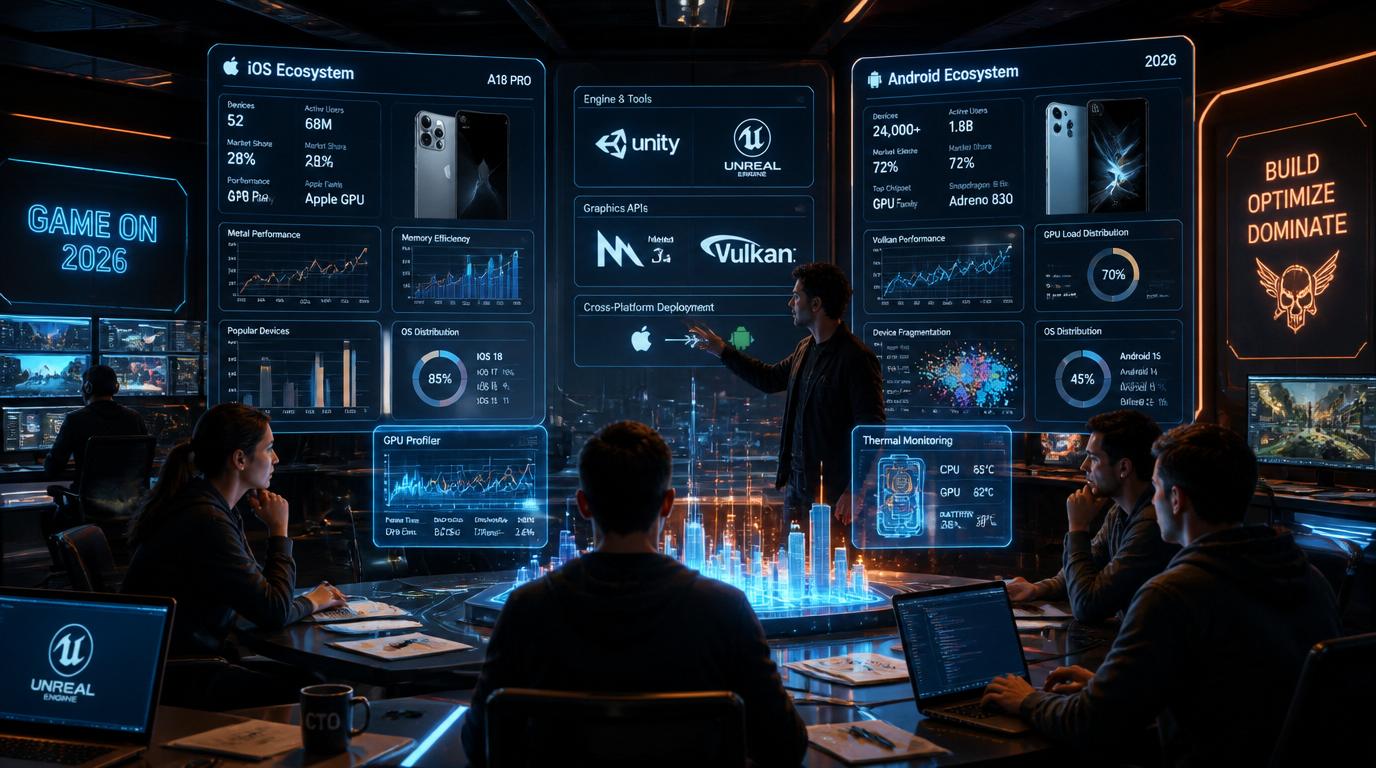
Let’s dispose of the romantic narrative first. “Android has 72% market share” is not a revenue argument on its own. It is a reach argument. The two are not the same thing, and conflating them is how studios end up shipping a rushed Android port to an audience that generates 30% of their iOS ARPU while spending 60% of the engineering budget on support.
The real question for any PO or CTO in 2026 is not whether Android has users. It is whether Android has your users — and what those users are worth over a 180-day LTV window.
The market share vs. LTV reality
The data has stabilized into a pattern that is, by now, well-understood: iOS users in Tier 1 markets (US, UK, Japan, Australia) generate significantly higher LTV than Android users in the same markets — often 1.4x to 2x, depending on genre and monetization model. This is not a hardware story. It is a payment friction story. Apple’s in-app purchase flow is frictionless by design. Google Play has closed much of that gap with its own billing improvements, but the behavioral habit of iOS users spending readily on digital goods remains structurally embedded.
Where Android wins decisively is in Tier 2 and Tier 3 markets: Southeast Asia, Latin America, South Asia, Eastern Europe, and Sub-Saharan Africa. These are fast-growing markets with enormous user bases, increasing disposable income, and near-zero iOS penetration. If your game has a monetization model built on high volume — ad-supported, battle pass, soft currency — the Android TAM in these regions is genuinely transformative. If your game depends on hard currency whales and premium IAP, your Android revenue ceiling is lower, and your margin calculations need to reflect that before a single line of code is ported.
The “Android-first” trend and what it actually means
In 2026, a growing cohort of studios — particularly those building for emerging markets from the start — is shipping Android-first and treating iOS as the premium follow-on. The studios doing this well share three characteristics:
- Monetization models designed around advertising and engagement-based progression, not premium IAP.
- Target markets where Android dominance is absolute — Southeast Asia, Latin America, South Asia.
- UA strategies built around Meta Advantage+ and Google App Campaigns, where Android attribution is historically cleaner and cost-per-install is meaningfully lower.
For studios that started on iOS, the conversation is different. You are not going Android-first. You are going Android-second, which means you are porting — and porting has its own strategic calculus. The question is whether you do a simultaneous release cadence going forward, maintaining feature parity across both platforms post-launch, or whether Android becomes a permanently lagging platform that receives major updates 4 to 6 weeks after iOS. Both models are viable. Only one of them preserves the long-term health of your Android community.
The recommendation for most mid-size studios: commit to a 2-week maximum lag on feature releases post-port stabilization. Longer than that and you are training Android users to feel like second-class citizens, which shows up directly in your Play Store ratings and, eventually, your Day-30 retention.
Cross-Platform Code and the Graphics API Gap
If you built on Unity or Unreal Engine — and in 2026, the overwhelming majority of mobile-first studios did — your cross-platform story starts in a more favorable position than it did five years ago. Both engines handle the majority of platform abstraction for you. But “handles the majority” is not the same as “handles it all,” and the gaps that remain are precisely where porting projects collapse their timelines and budgets.
The Metal vs. Vulkan/OpenGL divide
iOS devices run on Apple’s Metal graphics API, which has been the exclusive GPU backend for iOS since 2014. Metal is tightly integrated with Apple Silicon — the A-series chips are designed in lockstep with Metal’s rendering pipeline. The result is an API that is highly optimized, deterministic in its behavior, and relatively forgiving of shader complexity because Apple controls both the hardware and the software stack end-to-end.
Android is a different world. Android devices can run Vulkan — the modern, low-overhead graphics API that is the successor to OpenGL ES — or OpenGL ES 3.x, the legacy path that remains the safe fallback for broad compatibility, or increasingly a combination of both depending on device capability. Vulkan is powerful. In the hands of an experienced graphics engineer, it can outperform Metal on equivalent hardware by reducing driver overhead and enabling more explicit GPU memory management. But it is also far less forgiving of implementation errors. Tasks that Metal handles implicitly — resource tracking, synchronization, render pass management — must be handled explicitly in Vulkan.
In Unity’s Universal Render Pipeline, the engine’s Vulkan backend is mature and generally reliable. What causes problems is custom shader code written with Metal’s assumptions baked in. Metal uses a column-major matrix layout by default; GLSL (which Vulkan consumes) uses column-major as well, but the coordinate system conventions differ in ways that produce subtle visual errors — inverted depth buffers, incorrect UV coordinates on certain geometry, lighting that looks slightly off but takes three days of debugging to trace back to a matrix multiplication that behaves differently on Android’s Vulkan driver than on Metal.
The practical directive: audit every custom shader in your codebase before beginning the port. Anything that uses platform-specific intrinsics, hardcoded pixel formats, or render texture assumptions needs to be reviewed against Android’s Vulkan and OpenGL ES behavior. Build a shader validation pipeline that runs test renders on both backends and diffs the output — automated pixel comparison catches these issues in CI before they become QA escalations.
Draw call management across platforms
Mobile GPUs are tile-based deferred renderers across both iOS and Android, but the implementation differs in ways that matter for draw call budgeting. Apple’s GPU architecture is highly optimized for a specific TBDR pattern. Android’s landscape spans Qualcomm Adreno, ARM Mali, and Imagination Technologies PowerVR — each with different draw call sweet spots, different behavior around overdraw, and different sensitivity to batch breaking.
Use Unity’s Frame Debugger and GPU-specific profilers — Snapdragon Profiler for Adreno, Mali Graphics Debugger for Mali — to profile against your actual draw call structure. The table below gives practical per-tier frame budgets to use as baseline targets before you have device-specific profiling data.
Android Draw Call & Frame Budget by Device Tier
| Device Tier | Representative GPUs | Draw Call Budget | Frame Rate Target | Key Constraint |
|---|---|---|---|---|
| Tier 1 — Flagship | Adreno 750, Mali-G720 | 150–200 | 60 fps | Full effects, uncapped shadow resolution |
| Tier 2 — Upper Mid-Range | Adreno 732, Mali-G715 | 100–150 | 60 fps | Moderate shader complexity, LOD required |
| Tier 3 — Mid-Range | Adreno 619, Mali-G57 | 60–100 | 30–60 fps | Asset streaming essential, reduced particles |
| Tier 4 — Budget | Adreno 506, Helio G85 | 30–60 | 30 fps | Minimum asset quality, aggressive culling |
A draw call budget that runs smoothly on an A17 Pro can produce frame drops on an Adreno 730 running the same scene — not because the Adreno is weaker, but because the batch structure that works for Metal’s submission model does not translate identically to Vulkan’s command buffer architecture. In today’s connected environment, where players engage with games and related platforms across multiple devices, communities such as melbet تحميل reflect how users expect consistent performance and accessibility in all digital experiences.
Technical Hurdles and Edge Cases: The Work That Doesn’t Show Up on a Gantt Chart

This is where product owners and CTOs need to pay the closest attention, because these are the costs that do not appear in the initial porting estimate, surface as scope creep in week six, and cause the post-mortem conversation nobody wants to have.
Device fragmentation: not a problem, a taxonomy
Screen ratio fragmentation is the most immediately visible issue. iOS devices operate within a relatively constrained range of aspect ratios — primarily 19.5:9 for modern iPhones. Android devices span everything from 16:9 in budget devices to 21:9 in Sony Xperia flagships, to foldable form factors that introduce dynamic aspect ratio changes mid-session. If your UI was built with fixed canvas assumptions rather than a properly implemented safe area and dynamic layout system, you will discover every edge case during QA.
The mitigation is to validate your layout at five canonical Android aspect ratios: 16:9, 18:9, 19.5:9, 20:9, and 21:9. Build a UI stress-test scene that renders your HUD, popup dialogs, and in-game UI at each ratio. Run it on day one of the port, not day thirty.
GPU optimization: shaders and thermal behavior
Shader compilation stutter on Android is the most universally complained-about technical issue in Android ports, caused by a fundamental difference in how Android’s graphics driver stack works compared to iOS. On iOS, Metal shaders are compiled at install time or cached on first run — gameplay is smooth from session one. On Android with Vulkan, shader compilation happens at runtime the first time a pipeline state object is needed. If you have not implemented Vulkan pipeline caching via VkPipelineCache, every new scene and newly encountered material combination causes a micro-stutter as the driver compiles the pipeline. On Adreno devices this stutter is typically 8–30ms. On Mali devices it can be 50–100ms — a 6-frame hitch that players will notice and some will interpret as a crash.
The mitigation has two layers. First, Vulkan pipeline caching: warm the cache during loading screens by triggering all anticipated pipeline state object compilations before gameplay begins. Second, Unity’s shader prewarming API — Shader.WarmupAllShaders() and the more granular ShaderVariantCollection — to precompile critical shader variants at load time rather than at first use.
Thermal throttling is the second GPU-specific issue that does not exist on iOS in the same form. On sustained workloads — a long combat sequence, an open-world exploration segment, a particle-heavy cinematic — mid-range Android devices will begin throttling within 8–15 minutes, dropping GPU clocks by 20–40%. Android’s PowerManager API provides thermal status callbacks. Use them to trigger a graceful quality reduction mode that scales down particle counts, shadow resolution, and post-processing effects when the device enters a thermal warning state.
Ecosystem integration: Google Play Billing, Firebase, and push notifications
Google Play Billing Library is not a drop-in replacement for StoreKit. The specific issues that cause the most post-launch support burden:
- Grace period subscriptions: users whose payment fails enter a grace period during which they retain entitlements. If your entitlement system does not check grace period status correctly, you will over-grant or under-grant premium access.
- Deferred purchases: Android allows parents to approve children’s purchases asynchronously, meaning your purchase completion handler may fire hours after the transaction was initiated.
- Play Store promotional codes: different from iOS promotional codes in ways that require separate redemption logic.
ITEM_ALREADY_OWNEDstates: common when a purchase fails mid-flow and the user retries. Handle this explicitly or users will be unable to complete a transaction they already initiated.- Client-side receipt validation: not acceptable for any IAP above a trivial value threshold. You need server-side verification against Google Play’s Developer API.
Budget a dedicated integration sprint for billing — not a task within a sprint. A full sprint. Android 13’s notification permission model — now opt-in, like iOS — also requires rethinking your onboarding flow if it was designed around Android’s historical opt-out behavior. Cold launch notification prompts achieve opt-in rates below 20%. Prompts triggered at a high-value moment — after a first win, after a tutorial completion — achieve 45–65%.
Why Android Testing Is a Different Discipline
Android QA is not iOS QA with more devices. It is a different discipline with different tools, different risk profiles, and a fundamentally different automation requirement profile.
The device coverage problem
There are conservatively several thousand distinct active Android device models in global circulation in 2026. The discipline of Android QA is therefore about intelligent sampling: choosing the right devices such that your coverage of the actual install base is maximized while your device count stays manageable. Your mandatory test matrix — devices that must pass before any release ships — should represent your top devices by projected install share. In most cases, four or five devices represent 30–40% of your actual Android user base. Test those exhaustively first, then build out GPU-family coverage with a secondary tier representing Adreno, Mali, and PowerVR.
Device farm utilization
Firebase Test Lab, AWS Device Farm, and BrowserStack App Automate each offer access to real device fleets. Firebase Test Lab’s Robo Test is worth implementing early — it automatically crawls your app’s UI graph, simulates user interactions, and captures crash logs and performance data across a matrix of real devices. It does not validate gameplay logic or IAP flows, but it catches null pointer exceptions, ANR events, and rendering crashes that would otherwise surface as one-star reviews.
Specific test cases that are frequently missed in Android porting QA, and that should be in every test plan:
- App backgrounding and foregrounding during an active IAP transaction, which causes purchase state corruption on Android if not handled correctly.
- Incoming phone call during a network request, which interrupts socket connections in ways iOS handles more gracefully.
- Screen rotation during gameplay, which triggers Activity recreation and can destroy your GL context if not handled via
configChanges. - Battery optimization whitelist interaction, where Android’s Doze mode delays push notifications and background sync in ways that break session-resumption logic.
- First-session shader compilation stutter across each GPU family, measured in milliseconds using GPU profilers rather than subjective observation.
Timelines, Hidden Costs, and the Pre-Launch Checklist
Realistic timeline modeling
The most common mistake in porting proposals is treating the port as a percentage of original development cost. A more defensible approach breaks the work into four phases with explicit exit criteria:
Phase 1 — Technical Assessment (3–4 weeks): auditing custom shaders, building device tier detection, establishing the test matrix, integrating Google Play Billing in sandbox, identifying every third-party SDK with Android-specific requirements. Output is a technical risk register and a revised scope estimate based on what was actually found, not what was assumed.
Phase 2 — Core Port and Platform Integration (8–14 weeks): resolving shader issues, implementing Vulkan pipeline caching, building the asset quality tier system, completing Google Play Billing, wiring Firebase Analytics and Crashlytics, building the notification onboarding flow. Exit criterion: the game runs at target frame rate on Tier 1 through Tier 3 devices with no P0 crashes.
Phase 3 — QA and Device Validation (4–6 weeks): device farm runs, manual QA against the priority device matrix, IAP flow validation in the Google Play sandbox, Store listing preparation. Exit criterion: crash-free rate above 99.5% across the target device matrix in Firebase Test Lab.
Phase 4 — Soft Launch and Optimization (4–8 weeks): soft launch in 2–3 markets — typically Philippines, Canada, and one European market — to capture a useful mix of device tiers, network conditions, and spending behavior. Instrument everything. Soft launch telemetry reveals performance issues that never appeared in QA because they require real user behavior at scale to manifest.
Total for a mid-complexity mobile game with an established codebase: 19–32 weeks from kickoff to global launch. Budget proposals below 16 weeks for a feature-complete port are, in virtually all cases, underestimating Phase 3 and Phase 4 by 50%.
Budgeting for hidden costs
The costs that do not appear in line-item estimates and consistently cause overruns: third-party SDK re-licensing (confirm your attribution and monetization contracts cover Android before the port begins — mid-project licensing negotiations are expensive in time and leverage); backend infrastructure scaling (size your backend for 2.5x iOS peak before Android launch, not 1.5x — Android’s global reach into Tier 2 and Tier 3 markets brings higher concurrent user counts and different session patterns); and Google Play policy review time, which for apps involving real-money transactions now routinely requires 3–4 weeks of back-and-forth on the initial submission.
Pre-launch checklist for Google Play
The items studios most commonly discover too late:
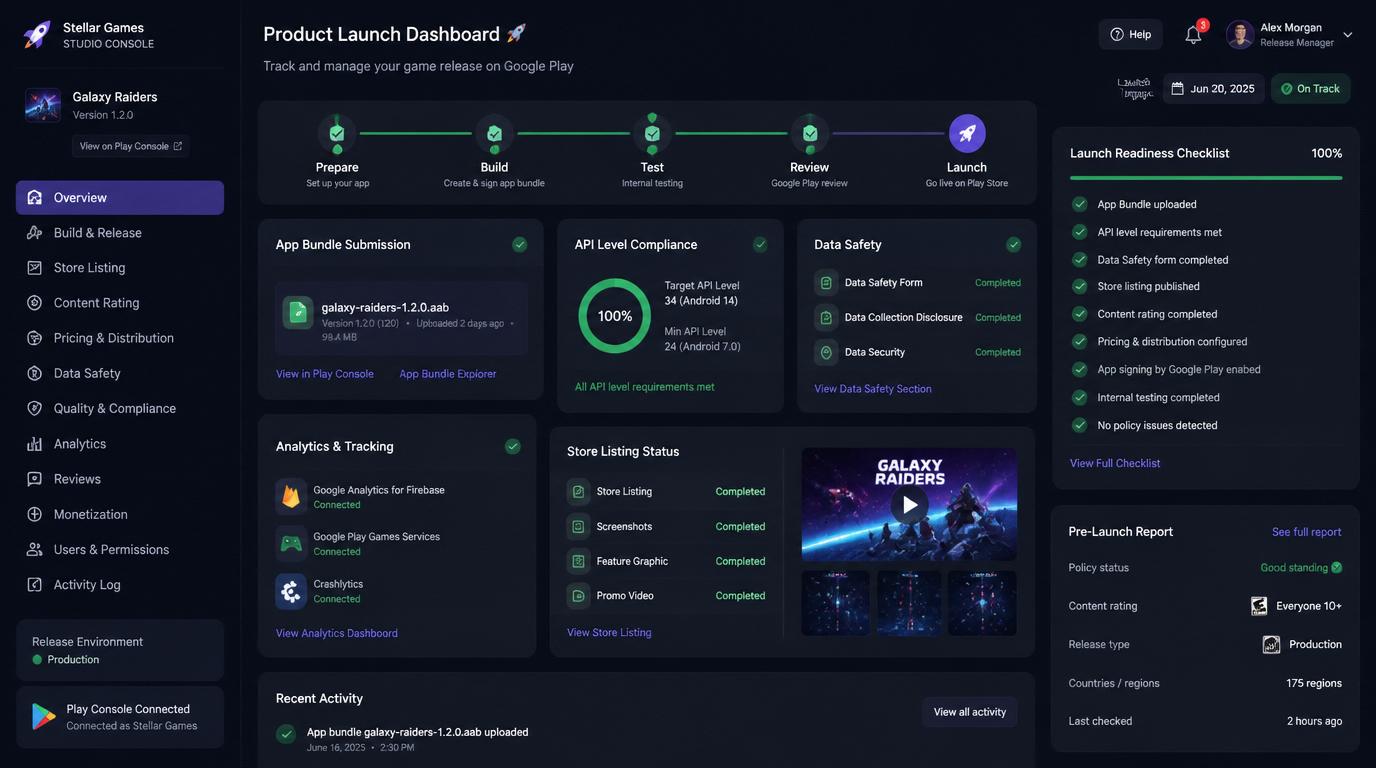
- Submit an AAB, not an APK. Google has required Android App Bundle for new apps since 2021. If your pipeline generates APKs for distribution, fix this in Phase 1 — it affects how Play stores and delivers your assets and directly impacts install size.
- Target API level 34 (Android 14) or higher. Apps below this threshold are rejected for new submissions as of 2026.
- Confirm all native plugins include 64-bit builds. Older C++ libraries frequently do not, and this surfaces as a build rejection rather than a runtime error.
- Complete the Data Safety form accurately. Audit every SDK’s data collection behavior individually. Inaccurate declarations are now a rejection reason, and auditing 15–20 SDKs takes longer than expected.
- Enroll in Google Play App Signing from day one. A lost signing key on Android means a lost app listing — you cannot update an existing app with a new key, which is a catastrophic outcome with no recovery path.
- Provide adaptive icon assets. Android 8.0+ requires foreground and background layers separately. A single flat icon will not render correctly across all launcher styles and will look visually inconsistent on a significant share of devices.
Closing Perspective
The iOS-to-Android port is, at its core, an exercise in managing the gap between what cross-platform tooling promises and what production reality delivers. Unity and Unreal have made the foundational work easier than it has ever been. The gaps that remain — GPU-specific shader behavior, billing integration depth, device tier management, thermal behavior at scale — are not unsolvable. They are solvable by teams that budget for them honestly, sequence the technical work correctly, and treat Android not as a port project but as a platform launch.
The studios that do this well in 2026 are not the ones with the largest engineering teams. They are the ones that went through Phase 1 with genuine rigor, found the real scope before the clock started, and built a launch strategy around what they found rather than what they hoped.
That is the difference between an Android launch that captures a meaningful new audience and one that generates a post-mortem.