
Every year the art evolves and people make discoveries that allow us to create anything thanks to computer technology. One of the most important directions is 3D art. Such animations are found both in films, advertisements, and, of course, computer games.
With the development of computer technology, 3D graphics have become more dynamic. This digital art has become the most popular among all types of animation ideas for games. If you decide to get interested in 3D animation, today’s article can be useful for you.
What Is 3D Art?
- The characters in Spider-Man: Across the Spider-Verse and Inside Out 2
- The hyper-realistic cars in Gran Turismo 7 and Forza Horizon 5
- The product renders on Apple.com and Nike’s configurator
- Virtual real estate tours and IKEA’s online planner
- The entire metaverse, Apple Vision Pro apps, and VR games
- Insane demand – studios can’t hire fast enough
- Remote-friendly – 70%+ of 3D jobs are now fully remote
- Six-figure salaries are common even for mid-level artists
- Tools are cheaper and more powerful than ever (Blender is free and beats $10,000 software from 2015)
- AI helps, but will never replace skilled 3D artists (yet)
The Main Steps of Creating the 3D Object
So let’s start simple. 3D art is the process of creating moving objects in three-dimensional space. This repeats the laws of physics and we can observe objects that behave as in reality. There is not only width and height but also depth, which is not possible to create with a 2D style. Every professional 3D project follows roughly the same 12-step pipeline. Here’s exactly what happens:
- Concept & Reference.
Gather mood boards, photos, and 2D sketches. Tools: PureRef (free), Milanote, Midjourney for inspiration. - Blockout / Low-Poly Proxy.
Rough out the basic shape quickly to test proportions. Takes a few hours. - High-Resolution Modeling or Sculpting.
This is where the magic happens — adding all the fine details.- Hard-surface (robots, guns, cars) → SubD modeling in Blender or Plasticity
- Organic (humans, creatures) → Digital sculpting in ZBrush or Blender Sculpt mode
- Retopology.
Turn the millions of polygons from sculpting into a clean, low-poly mesh that can be animated. - UV Unwrapping.
“Flatten” the 3D model so textures can be painted on it. - Texturing (PBR Workflow).
Paint realistic materials using Physically Based Rendering maps (color, roughness, metalness, normal, height). Industry standard: Substance 3D Painter. - Rigging & Skinning.
Add a digital skeleton and make the mesh deform naturally when the skeleton moves. - Animation.
Can be hand-keyed, motion-captured (using iPhone or Rokoko suits), or procedural. - Lighting & Look Development.
Set up realistic or stylized lighting. Most studios now do this inside Unreal Engine 5. - Rendering.
Real-time (Unreal Engine 5, Unity) or offline (Arnold, Cycles, V-Ray). Real-time is winning for speed. - Compositing & Final Grade.
Polish everything together in DaVinci Resolve or Nuke. - Delivery.
Export for games, film, printing, AR/VR, or the web.
Animation of 3D Artworks
This is an optional step because you can leave the 3D image without any animation. If you want to give life to the object, you should know about 3D animation types.
3D Computer Animation
3D animation technologies have a lot in common with stop motion animation types, because they follow a frame-based approach. However, the implementation of tasks in 3D is more manageable, because it is in the digital field. Instead of drawing a character or creating one from clay in 3D animation, the object is created digitally.
- Animation by keyframes. It is the most common way to create a 3D animation. It is an animation made up of many short segments. Each segment in the animation represents a start, an end, and a gap. After launching, the animation goes from one value to another. Changing the parameters of an effect over time is a very useful and sometimes necessary property;
- Motion path animation. In motion, path animation objects can move along any specified path. You set the start and endpoints, then the program adjusts the trajectory on its own;
- Motion capture animation. It is also called mocap. Motion capture is a method of digitizing the movements of a person or animal, using it for analysis and creation of animation. Film and game companies are using this technology to transform the movements of real actors into animation and bring virtual characters to life;
Types of 3D Modeling
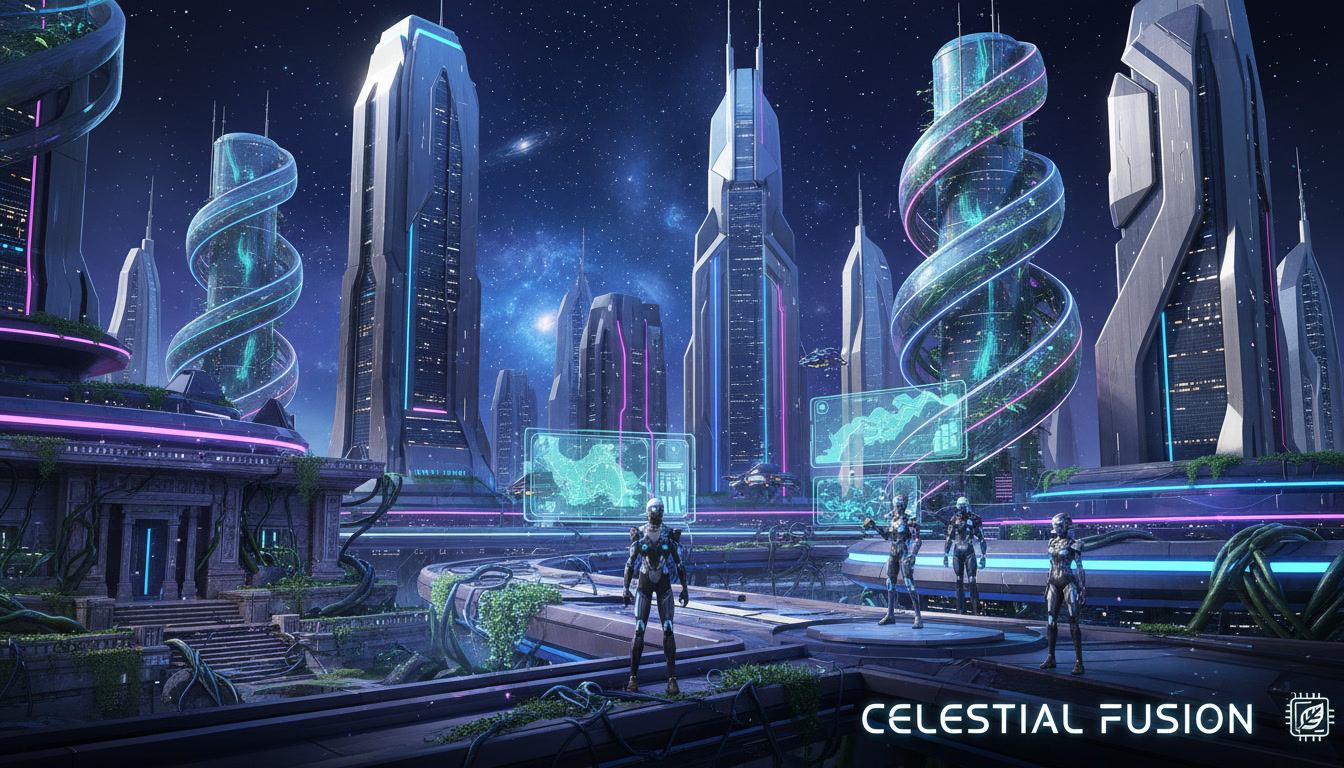
The field of 3D modeling is endless today, and every day new areas of its application appear. You can read about the most popular types of 3D modeling below.
Polygonal Modeling
Polygon modeling is low-level modeling that allows you to render an object using a polygonal mesh. Several sub-objects define polygonal mesh: vertex, edges, faces, and polygons. You need to work with sub-objects to create a three-dimensional model of an object. You can change their scale and shape, rotate, combine and divide, as well as apply other operations that allow special computer programs.
Sculpting
The main method for creating 3d sculptures is to deform parts of a 3D model by creating a concavity or convexity with a virtual brush. This is the same clay modeling but in the virtual world. You can layer clay, change its shape and get an unrealistically beautiful 3D object.
NURBS Modeling
It is a special technology designed to create fluid organic shapes and patterns, based on the complex mathematical apparatus. In total, there are about 1,500 equations to describe all geometric elements, from the simplest curves to complex surfaces. This type of modeling is challenging and requires certain skills.
Box Modeling
Box modeling is a 3D modeling method that involves using different shapes such as a box, cylinder, sphere, and others to create the final model. After creating the basic shape you can start to create a final object by sculpting. Box modeling uses step-by-step instructions to get to the final product that makes the modeling process easier and more effective.
The block model consists of blocks of a certain size. At the core of the block is the centroid, where all the data is stored in the form of attributes, such as content and density. All informational data is located here.
Image-based Modeling
Image-based modeling is a mechanism of using 2D images to create a three-dimensional model. This method is always easier because we have a photo example, based on which a 3D model will be created later.
There are two options that provide volumetric models of objects based on two-dimensional images. The first allows you to create three-dimensional models that have the illusion of being 3D, but they are not in reality. The second way provides the creation of a real 3D model that can be exported to popular 3D formats and processed in 3D modeling programs. Such models can be exported to the Java Applet if you want.
The Best 3D Software in 2025 (No BS Ranking)Free & Professional Grade
- Blender 4.4 – Used by Netflix, Ubisoft, and NASA. Literally does everything.
- Maya – Best for animation and rigging
- ZBrush 2025 – King of digital sculpting
- Substance 3D Painter – Texturing standard
- Houdini – VFX and procedural magic
- Unreal Engine 5.4 – Real-time rendering and virtual production
- Plasticity – The new king of hard-surface modeling ($149 one-time)
- Nomad Sculpt – Full ZBrush-like sculpting on iPad ($20)
- Cascadeur – Physics-based animation that feels like cheating
How Long Does It Really Take to Get Good in 3D Arts?
- 0–3 months: Understand the tools, make your first decent prop
- 3–9 months: Build portfolio pieces, get junior-level skills
- 9–18 months: Land your first paid freelance gig or junior job
- 2–4 years: Senior artist at a AAA studio or high-end freelancer
Fastest Way to Learn 3D Art and Design in 2025
- Start with Blender (free)
→ Do Blender Guru’s Donut → Coffee Cup → Anvil series (YouTube, free) - Choose one specialization early
- Characters → CG Boost “Human Generator” course
- Hard-surface → Arrim@Design or Decoherent YouTube channels
- Environment art → FlippedNormals or Unreal Sensei
- Build a portfolio on ArtStation (recruiters only look here)
Make 5–7 polished pieces with clean wireframes and breakdown sheets. - Join the right communities
- Discord: Blender Market, The Rookies, CGSociety
- Reddit: r/blender, r/3Dmodeling, r/vfx
- Polycount forums (still the best for game art feedback)
2025 Salary Guide (Global Averages) for 3D Artists
|
Role
|
Junior
|
Mid-Level
|
Senior
|
Top Locations
|
|---|---|---|---|---|
|
3D Modeler
|
$45–65k
|
$70–95k
|
$100–140k
|
LA, London, Montreal, Remote
|
|
Character Artist
|
$55–80k
|
$90–130k
|
$140–200k+
|
Vancouver, San Francisco
|
|
Environment Artist
|
$50–75k
|
$80–120k
|
$130–180k
|
Anywhere remote
|
|
Technical Artist
|
$70–100k
|
$110–150k
|
$160–220k
|
Game studios
|
|
Freelance (per asset)
|
$100–800
|
$800–3k
|
$5k–20k+
|
ArtStation Marketplace
|
Three Dimensional Art Later
That’s all for now. As you can see, modeling is used everywhere today: from simple videos on YouTube to films of world popularity. The process of creating a 3D object is not simple and requires special skills. It can be used later to create a real model with the help of a 3D printer or just to decorate the video game. We hope today’s article was useful to you and helped you to understand 3D art and its types.
→ Blender (free): https://www.blender.org
→ Best beginner tutorial: Blender Guru Donut (YouTube)
→ Portfolio platform: https://www.artstation.com
→ Biggest 3D community: https://blenderartists.org You’ve got this. See you in the 3D world.