
Every studio that’s shipped across Steam Deck and Android has had this moment: the build runs like butter on the Deck, then chugs and crashes on a $150 phone running the exact same scene at a fraction of the resolution. If that’s familiar, you already know the real culprit isn’t sloppy shader code — it’s thermal physics and memory architecture, and neither bends to a texture compression pass. This piece breaks down where that gap actually comes from, why a single downscaled build can’t close it, and how a tiered performance ladder — plus, in some cases, a web-based runtime — lets you hit every device tier without shipping three separate games.
The Hardware Gap Is Bigger Than It Looks
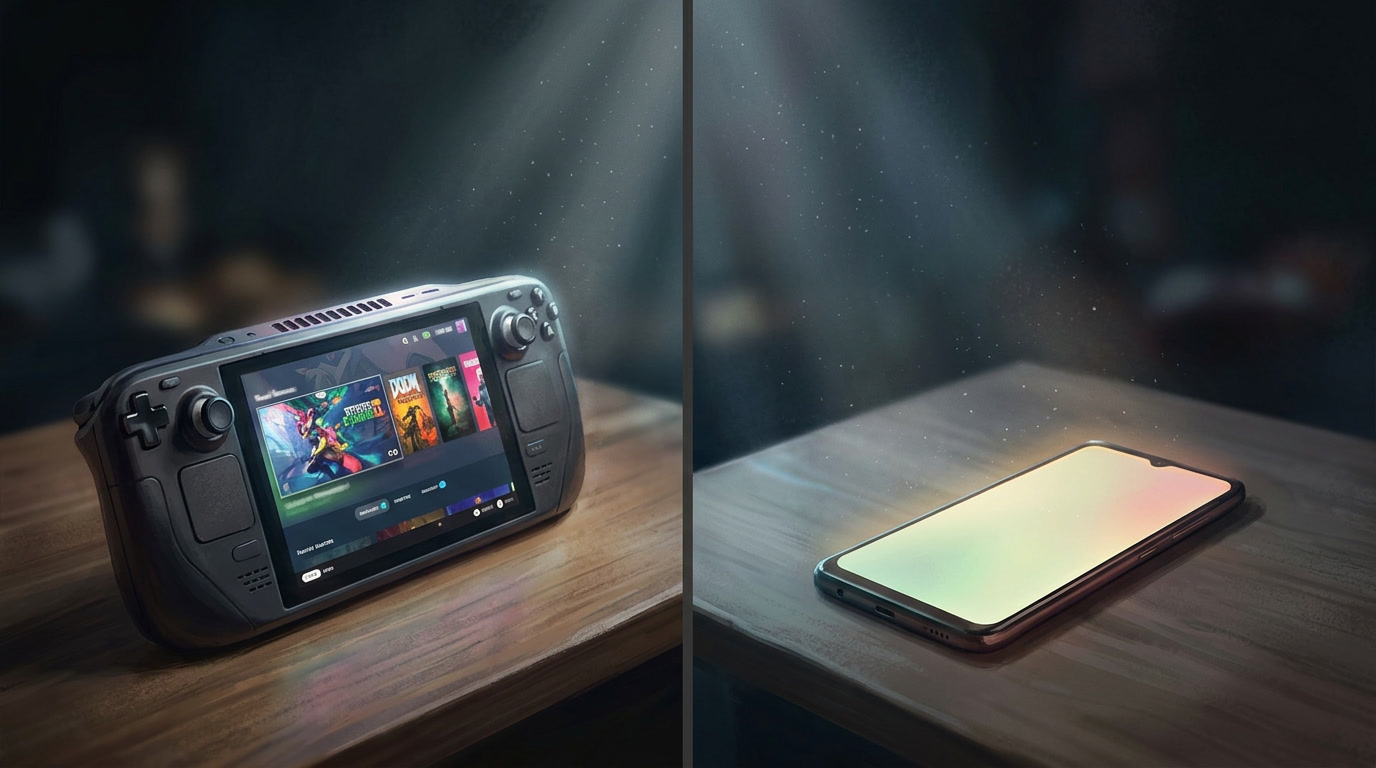
Most teams underestimate this gap because they’re thinking in terms of GPU teraflops. That’s the wrong lens. The bottleneck on mobile is rarely raw compute — it’s memory bandwidth, thermal headroom, and how aggressively the OS is willing to throttle you to protect the battery and the user’s palm.
| Hardware | Architecture & Memory | Power & Cooling |
|---|---|---|
| Steam Deck | x86, 16GB unified LPDDR5-6400; CPU and GPU share one wide memory bus | ~15W sustained, active fan cooling |
| Mid-tier Android | ARM (typically big.LITTLE), 6–8GB RAM, split memory pools | 5–8W average, passive cooling, moderate throttling under load |
| Budget Android | Low-power ARM, 3–4GB RAM, slow memory controllers | Passive cooling only, hard throttling inside 5 minutes of sustained load |
The Deck’s unified memory architecture means the CPU and GPU aren’t fighting each other for bandwidth the way they do on most Android SoCs — asset streaming pipelines that behave perfectly on a Deck can start stalling on mobile purely because the memory controller can’t keep up, not because the assets themselves are too big. And thermally, the Deck’s active cooling buys you sustained clocks for hours. A budget Android phone has none of that: passive cooling means the SoC starts pulling back clock speed within minutes to keep the chassis from overheating in someone’s hand. That’s not a bug you can patch around — it’s a hard physical ceiling.
This is also where memory fragmentation quietly wrecks people. Shrink your texture atlases, cut your poly counts, ship the same build to a 3GB Android device — and it’ll still crash mid-session, because repeated allocation and deallocation over a long play session fragments the tiny heap you’re working with until a contiguous block large enough for your next asset simply doesn’t exist. Lowering fidelity treats the symptom. It doesn’t touch the actual constraint.
Why One Master Build Doesn’t Work
The instinct to build once and scale down is understandable — it’s cheaper up front, and it feels efficient. In practice, it produces a build that’s mediocre everywhere: overbuilt for budget hardware, underbuilt for high-end. You end up patching performance issues reactively after launch instead of designing around known constraints from day one, which costs more engineering time than doing it properly the first time.
The Web/Hybrid Alternative
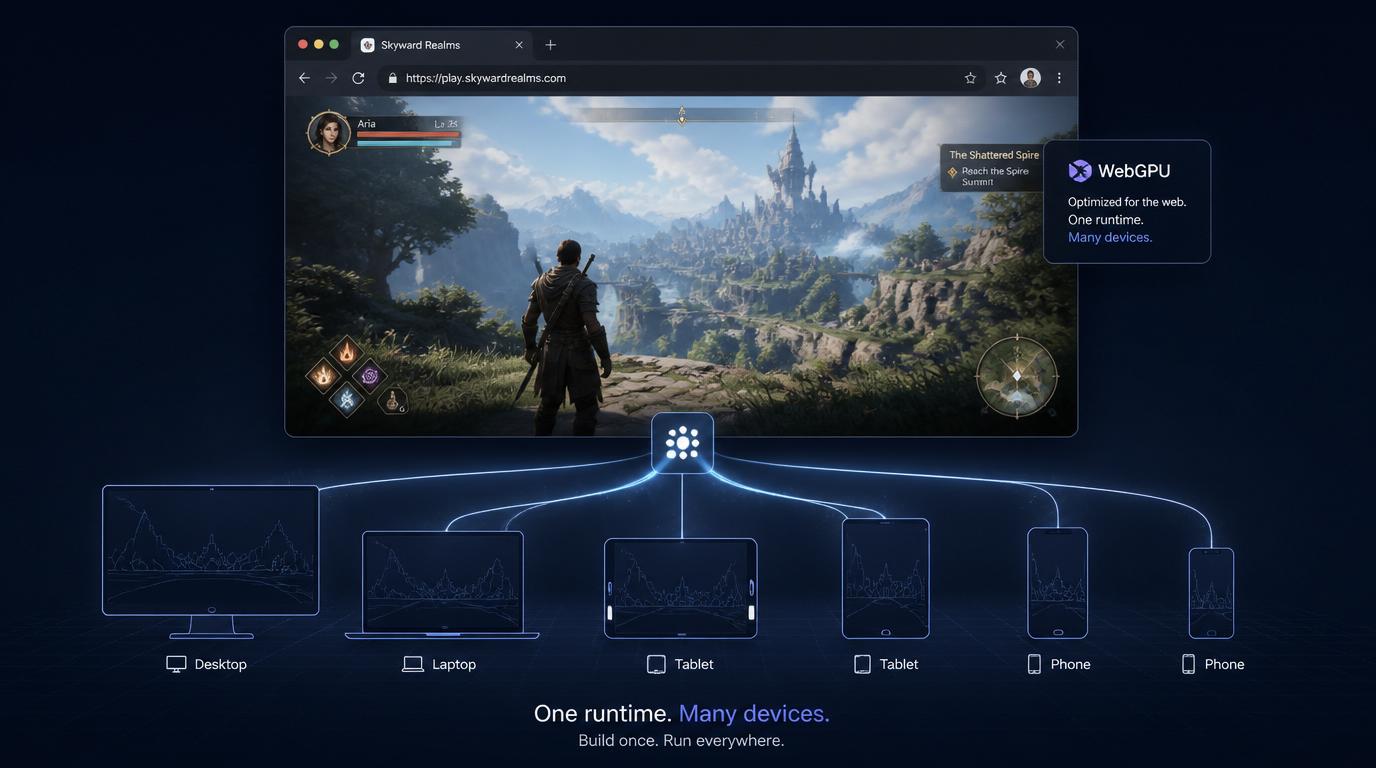
For studios that don’t want to maintain three or four native build configurations at all, a browser-first approach is worth serious consideration. Modern PWAs and WebGL/WebGPU runtimes have matured to the point where they can deliver genuinely competitive frame rates and visual fidelity without an install step — the browser engine handles a lot of the device-capability detection and adaptive scaling that you’d otherwise be hand-rolling per platform. For instance, platforms demonstrate how cross-platform gaming can work effectively, delivering smooth gameplay on everything from budget Android handsets to modern tablets and desktop systems.
This isn’t a fit for every project — you’re trading some low-level GPU control for portability — but for titles where reach matters more than squeezing out the last 15% of native performance, it’s a legitimate architectural choice, not a compromise. A well-built WebGPU runtime can auto-detect device tier at load time and adjust shader complexity, texture resolution, and draw call budgets on the fly, which is effectively a performance ladder the browser builds for you. It also sidesteps app store friction entirely, which matters if you’re targeting markets where users are wary of large downloads or don’t have consistent storage headroom to spare.
Building an Actual Performance Ladder
Instead of one build compressed down, you build three purpose-tuned versions of the same game, each designed around its tier’s actual bottleneck.
Tier 1 — Steam Deck, PC, Consoles. The constraint here is battery life on the Deck and GPU bandwidth on wall-powered hardware. This is where FSR and DLSS earn their keep — upscaling from a lower internal render resolution buys you visual headroom without asking the GPU to push native-res frames the whole session. Scalable shader tiers and dynamic resolution scaling round this out.
Tier 2 — Mid-range Android. The bottleneck flips to thermal throttling, not raw silicon. Capping frame rate at 30 FPS isn’t a downgrade here — it’s what keeps clocks from collapsing 20 minutes into a session. Pair that with a tighter asset streaming pipeline (smaller in-flight memory footprint, more aggressive LOD swapping) and you keep most of your core feature set intact while being deliberate about which visual effects survive the cut.
Tier 3 — Budget Android. CPU and memory bandwidth are the wall now. Baked lighting instead of dynamic GI, minimal or no runtime physics, and an aggressively optimized UI layer (fewer overdraw passes, flattened hierarchies) are what actually keep this tier playable. This segment is enormous in emerging markets and shouldn’t be treated as an afterthought — it’s often where the volume is.
| Tier | Target Devices | Primary Bottleneck | Optimization Strategy |
|---|---|---|---|
| Tier 1 | Steam Deck, PC, Consoles | Battery (Deck) / GPU bandwidth (PC) | FSR/DLSS, scalable shaders, dynamic resolution |
| Tier 2 | Mid-range Android | Thermal throttling | 30 FPS cap, optimized streaming pipeline, selective effects |
| Tier 3 | Budget Android | CPU & memory bandwidth | Baked lighting, minimal/no physics, low-overdraw UI |
Why This Actually Saves Time
- Targeted fixes replace universal band-aids that satisfy nobody
- Bottlenecks surface during design, not during a post-launch crash report review
- Fewer emergency patches, fewer 1-star reviews about stutter on a $200 phone
Yes, three tuned configurations mean more upfront engineering work than one master build. But it’s front-loaded work that eliminates the much more expensive cycle of shipping, getting hammered by low-end-device reviews, and patching reactively for months. Each tier ends up genuinely good for its hardware instead of everyone getting a watered-down version of the same experience.
Where This Leaves Studios
Hardware fragmentation isn’t a temporary phase to wait out — it’s the baseline reality of shipping across PC handhelds, mid-range Android, and budget Android simultaneously. Treating “one build, scaled down” as good enough is how studios end up firefighting performance complaints for the first three months post-launch instead of shipping their next title.
Building around each tier’s actual bottleneck — thermal, memory, or bandwidth — and considering a browser-based runtime where reach matters more than raw fidelity, is what lets a game feel intentional on a Steam Deck and on a three-year-old Android phone at the same time, without one build compromising the other.