
Every year, someone posts a thread asking whether mobile development is dying. Every year, the numbers prove them wrong.
In 2026, mobile gaming accounts for over 50% of global games revenue — somewhere north of $100 billion when you factor in emerging markets across Southeast Asia, Latin America, and Sub-Saharan Africa. Devices have caught up to ambitions. The latest Snapdragon and Apple A-series chips push console-quality rendering on phones that cost less than a mid-range GPU. Mobile gaming is growing, but what’s growing with it is complexity — and expectation.
Players are pickier. They’ve been burned by predatory monetization, bloated install sizes, and games that run like slideshows on anything older than two years. The studios and solo developers who understand this shift are winning. The ones still copying 2018 hypercasual blueprints are quietly shutting down.
So no, mobile development isn’t dying. It’s just getting harder to do badly and get away with it. That’s a good thing.
Unity, Godot, and Flutter Game Engines
Unity for Mobile Game Development
Unity is still the undisputed workhorse of mobile game development in 2026. Ask any mid-sized studio what they shipped their last Android or iOS title in, and there’s a better-than-even chance the answer is Unity.
The reason isn’t that Unity is the most elegant engine — it isn’t. It’s that Unity has critical mass. Asset Store libraries, YouTube tutorials, Stack Overflow answers, Discord communities for every niche sub-genre you can imagine. When you’re debugging a shader issue at 2 AM, that ecosystem matters more than architectural purity. Our breakdown of Unity’s AAA capabilities shows the engine handling production workloads that would have seemed implausible five years ago.
Where Unity wins:
- Cross-platform export to iOS, Android, and emerging platforms like Meta Horizon OS with minimal extra work
- The DOTS (Data-Oriented Technology Stack) system has matured significantly, letting you squeeze performance out of mobile hardware that would have been unthinkable five years ago
- Excellent integration with AR Foundation, making it the go-to for anything touching Apple Vision Pro’s spatial computing layer or ARCore on Android
- A massive talent pool if you eventually hire
Where it struggles:
- The runtime fee drama of 2023-2024 left real scar tissue in the community. Unity changed course, but trust took a hit
- Learning curve is moderate-to-steep if you’re coming from no programming background
- Project sizes bloat quickly if you’re not deliberate about stripping unused packages
For mobile specifically, Unity’s IL2CPP backend has meaningfully improved build times and runtime performance. If you’re targeting mid-to-high-end Android devices or iOS from iPhone 12 onward, you’ll have headroom to work with. And if you’re just starting out, building your first 3D Unity game is a solid step before committing to a full mobile project.
Godot for Mobile Game Development
Godot has completed its transition from “promising indie alternative” to “legitimate production engine.” Version 4.x brought Vulkan support, a redesigned rendering architecture, and GDScript improvements that made the language feel less like a toy and more like a real tool.
For mobile game development, Godot sits in an interesting position. It’s genuinely excellent for 2D games — platformers, puzzle games, top-down RPGs, visual novels. The 2D toolset is arguably more intuitive than Unity’s, and the scene/node system makes projects easier to organize as they grow.
3D on mobile is usable but still lags behind Unity in terms of optimization tooling. If your game is graphically ambitious, you’ll spend more time manually tuning draw calls and LODs than you would in Unity.
The real advantage of Godot:
- It’s fully open-source and free, with no royalties and no runtime fees. Ever. This matters enormously when you’re calculating the cost of mobile game development on a tight budget
- The export pipeline to Android and iOS has improved substantially — not perfectly frictionless, but workable
- GDScript is Python-adjacent, which means a gentler learning curve for beginners
- C# support exists for those coming from Unity who don’t want to relearn a language
For a solo developer building a 2D mobile game, Godot in 2026 is a completely rational first choice. For a team targeting high-end 3D experiences, it’s still a secondary option. The broader question of which engine fits your project applies here too — many of the same selection criteria hold when Godot enters the conversation.
Flutter for Mobile Game Development
Flutter is the conversation-starter at this point. Most people know it as a UI framework for building cross-platform apps. Using it for games sounds sideways.
But hear the case out. Flutter for mobile game development makes specific sense in a specific lane: games that live somewhere between “app” and “game.” Think card games, board game adaptations, casual puzzlers with heavy UI, or educational games where the interface logic is more complex than the game logic.
Flutter’s Flame engine — the game-specific layer built on top of Flutter — has grown into a capable 2D game framework. It handles sprite animation, collision detection, camera systems, and audio without requiring you to leave the Flutter ecosystem.
Flutter’s advantages in this lane:
- If your team already builds Flutter apps, the knowledge transfer is nearly free
- UI components integrate seamlessly with game elements — something Unity genuinely struggles with
- Hot reload during development is a joy compared to full recompilation cycles in Unity or Godot
- Dart, the underlying language, is clean and modern
The ceiling exists, though. Flutter/Flame won’t render a complex 3D world. It won’t give you the physics simulation depth of Unity or Unreal. It’s a tool for a specific type of game, and it excels in that lane rather than pretending to cover everything.
No-Code and AI Tools
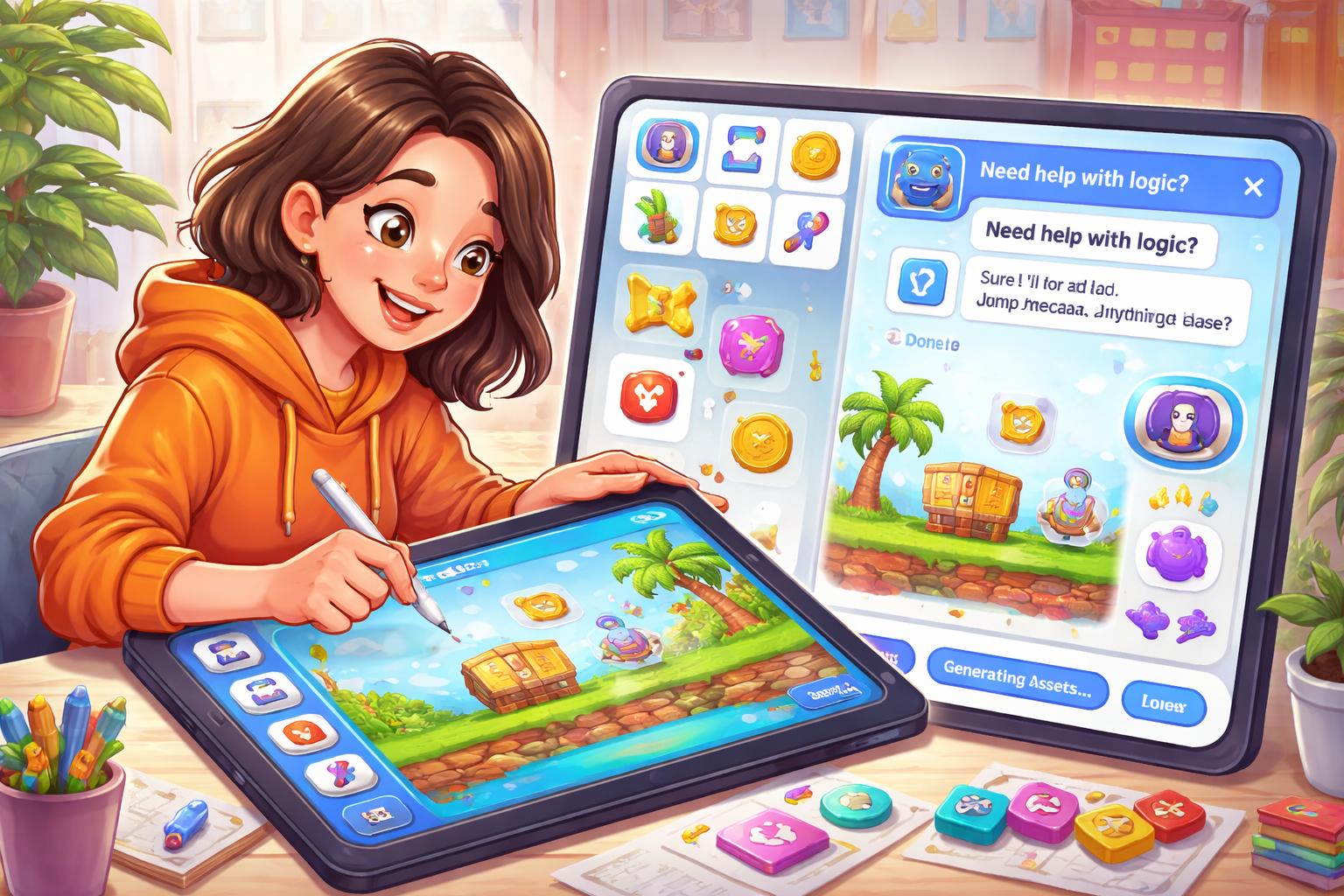
No code mobile game development isn’t a gimmick anymore. Tools like GDevelop have always offered event-based game logic without writing code. In 2026, they’ve been joined by a new category: AI-augmented development environments where you describe behavior in natural language and the tool generates working logic. The broader story of how no-code platforms are reshaping development is worth understanding before picking your stack.
Platforms like GameMaker’s AI assistant layer, Unity’s Muse (now significantly more capable), and third-party tools built on top of large language models have made it possible to prototype a playable mobile game in a weekend without touching a line of code. Not publish-ready — but playable.
AI for mobile game development is showing up in practical ways:
-
Level design generation: Explain difficulty curve and aesthetics, receive a basic layout to iterate off
-
Bug detection: AI-assisted code review to catch platform-specific Android/iOS issues before hitting the emulator
-
Asset creation: Diffusion models for concept art, AI voice acting for low-fidelity narrative games, procedural music generation that loops without jarring cuts
-
Localization: Get UI string translations almost instantly with context-aware adjustments between markets
None of this replaces understanding how game development works. The developers getting the most out of AI tooling in 2026 are experienced enough to know when the output is wrong. But it’s lowered the solo developer’s throughput ceiling dramatically — one person can now produce what used to require a small team. For a deeper look at how AI is changing the creative side, generative AI in production is worth a read.
Besides Game Engines: Laptop and Language
What Laptop Actually Works
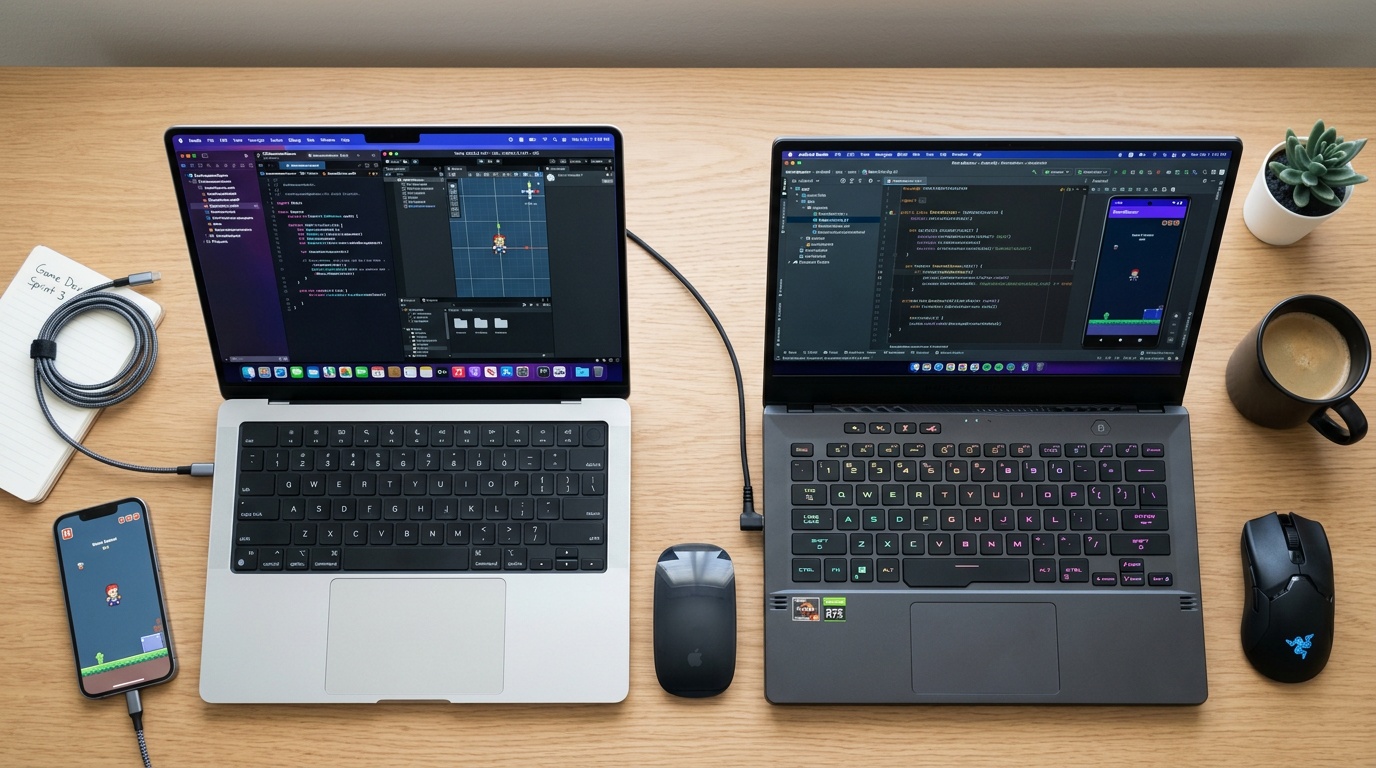
A laptop for mobile game development in 2026 doesn’t need to be exotic, but it does need to meet a few minimums.
The real requirements:
- 16GB RAM minimum, 32GB if your budget allows — Unity and Android Studio open simultaneously will test you
- An Apple Silicon MacBook (M3 or M4 series) is genuinely the most efficient option if you’re targeting iOS, since Xcode requires macOS and these chips handle compilation fast
- On the Windows side, a mid-range NVIDIA GPU helps with GPU-based shader compilation and speeds up Godot’s Vulkan builds
- SSD is non-negotiable — spinning hard drives make build times painful
You don’t need a workstation. A MacBook Air M4 or a mid-range Windows laptop with a dedicated GPU will handle every engine mentioned in this article comfortably.
Which Language to Learn First
For Unity: C#. It’s approachable, well-documented, and the job market for C# Unity developers is larger than any other mobile game development language combination. For a broader look at which languages game studios actually use, the comparison goes deeper than any single engine.
For Godot: GDScript first, then C# if you want to optimize hot paths. GDScript is fast to write and the community documentation assumes it.
For Flutter/Flame: Dart. It’s a genuinely pleasant language to learn and the skills transfer to Flutter app development if you ever need to pivot.
If you’re approaching this as a career decision, C# through Unity or GDScript through Godot will give you the broadest foundation.
Costs, Ads, and Ethical Monetization
How Much Does Mobile Game Development Actually Cost?
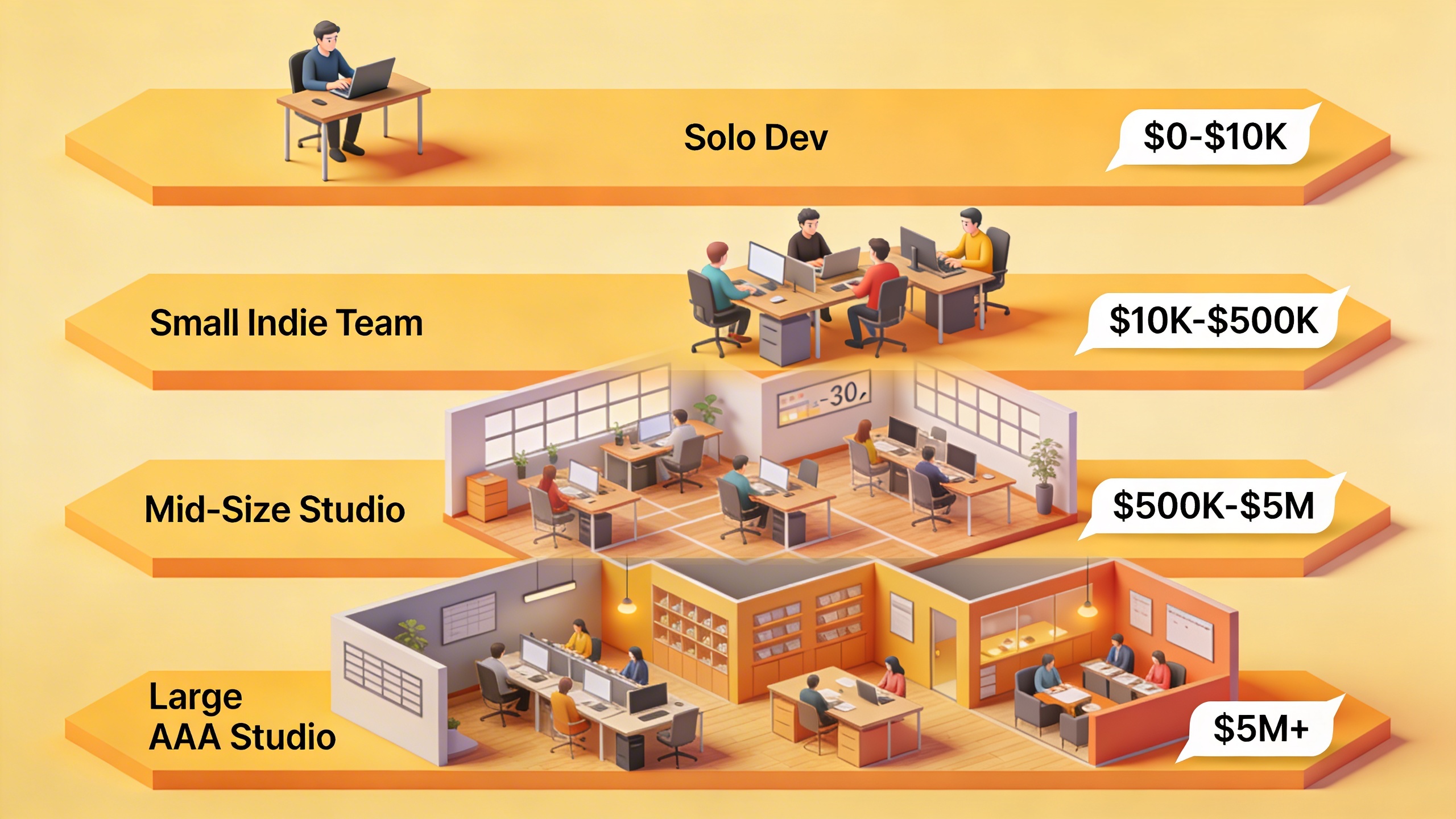
The cost of mobile game development spans a range that defies a single answer, but some anchors help. For a detailed look at what actually drives mobile dev costs, the variables go well beyond engine licensing.
| Project Type | Team Size | Timeline | Estimated Cost |
|---|---|---|---|
| Hobby / solo project | 1 person | 1–3 months | Under $200 |
| Simple indie game | 1–2 people | 3–6 months | $500–$5,000 |
| Mid-complexity indie | 3–5 people | 12–18 months | $50,000–$200,000 |
| Studio production | 10–30 people | 18–36 months | $500,000–$2M+ |
| AAA mobile title | 50+ people | 3–5 years | $5M–$30M+ |
A solo developer with free tools (Godot, open-source assets, free tier app store accounts) can make and ship a basic mobile game for less than $200 — mostly Apple Developer Program fees ($99/year), and Google Play’s one-time (to date) $25. A small team (3–5 people) working on a mid-complexity game over 12–18 months, paying fair contractor rates for art and audio would typically land somewhere in the $50,000–$200,000 range. Studio-scale productions running Unity over licensed middleware, outsourced QA, marketing budget… that’s a whole different universe.
The Growing Demand for Clean Monetization
Something interesting is happening in player communities. Searches and discussions around mobile games without microtransactions and games without ads have grown substantially. Players are actively seeking games that respect their time and don’t treat them as revenue extraction units.
This isn’t just sentiment. Premium mobile games — those sold at a flat price with no in-app purchases — are performing better than they did five years ago. The App Store’s search algorithms have shifted to reward engagement and ratings, not just download volume. A game with a $4.99 price tag and 4.8 stars is visible now in a way it wasn’t in 2019. The monetization models replacing the old approaches are worth understanding before you decide how to price your game.
For indie developers, this creates a real strategic option: build a complete, polished experience, price it honestly, and market it to the growing audience that’s tired of being monetized hourly. It’s harder to execute than slapping ads on a free game, but the long-term reputation and review profile compound in ways that ad-supported games can’t replicate.
Solo Dev and Game Development Without a Team

Game Development Without Communication (And Why It Works)
Plenty of successful mobile games shipped from a single desk with no team, no Slack channel, and no standups. Game development without communication — the full solo developer workflow — is a legitimate path, not a compromise.
What solo development requires is different, not more difficult. You need systems that replace communication:
- Version control as your memory: Git commits with clear messages replace the “remember when we changed the jump height” conversations
- Task tracking for one: Trello or even a plain text file works when you’re the only reader
- Scheduled scope reviews: Solo devs fall into scope creep without a team to push back. Weekly “is this still the game I’m making?” check-ins with yourself, in writing, prevent six-month detours
- Async community feedback: Discord servers, Reddit communities like r/gamedev, and itch.io early access let you get external input without requiring synchronous collaboration
The tools for mobile game development that serve solo developers best are those with clean documentation and active community forums. Both Godot and Unity score well here. When you’re stuck and there’s no one to ask internally, the quality of the engine’s community becomes a critical selection criterion. If you’re still figuring out where to begin, getting started with indie dev is a grounded reference that doesn’t assume a team behind you.
Build small, finish things, ship them. The number of complete shipped games on your portfolio matters more than the ambition of an unfinished project.
Where This Is All Heading
Mobile hardware in 2026 has erased most of the arguments for treating mobile as a second-class platform. Spatial computing integration — games that bridge handheld and headset experiences — is the frontier that studios are currently figuring out. The genre and technology trends that defined 2025 have carried into 2026 with momentum rather than correction.
The no-code and AI tools will keep improving. The gap between “I have an idea” and “I have a playable prototype” will keep shrinking. That’s going to create more competition at the entry level and push serious developers toward differentiation through design and narrative rather than technical novelty.
Formal Education vs. Self-Taught
A bachelor of mobile game development program — and several universities have fleshed out dedicated game development tracks — gives you structured fundamentals, faculty mentorship, and industry connections that are genuinely valuable. If you’re 18 and have the option, it’s worth considering. Top game dev schools in the US is a useful reference if you’re weighing that path seriously.
But in 2026, the self-taught route has never been more viable. Free engines, YouTube courses from working developers, open-source projects to study, and communities willing to give feedback mean you can build a portfolio that speaks for itself without a degree. What employers and players actually evaluate is what you’ve shipped.
Pick a platform, pick an engine, finish something small. The best time to start was five years ago. The second best time is right now.